
Website Support Services: Reporting and Resolving Issues
Learn how to report website problems clearly, understand support priorities and verify that proposed fixes resolve the affected customer journey.
Website Support Services: Getting Clear Help When Something Breaks
A broken form or missing page can interrupt the customer journey while the rest of your website looks normal. Getting useful help starts with identifying the problem and explaining its impact. Website support services assist with troubleshooting, corrective work and questions within an agreed scope. For Pakistani businesses, support may involve the website developer, hosting company and other service providers. Clear coordination helps avoid confusion about who should investigate. This guide explains how to report issues, understand priorities and review proposed fixes. You’ll also learn what information to prepare before asking for assistance. A structured approach makes support conversations clearer and helps your team verify that the problem is resolved.
Understand What Website Support Services Cover
Support arrangements differ according to the platform and provider. Some cover questions and minor corrections while others include broader investigation. Ask whether the service handles application issues, hosting coordination or content-related display problems. Clear scope helps you send requests to the right place.
Also clarify how support differs from maintenance and new development. A broken agreed function may need corrective work, while a new customer dashboard introduces additional requirements. Understanding these differences prevents every request from becoming an argument about whether it belongs within the existing arrangement.
Describe the Problem Through a Real Task
Explain what you were trying to do and what happened instead. Include the affected page and the steps needed to reproduce the issue. A report saying the website does not work gives the support team much less information than a specific description of a failed enquiry.
Record when the problem began and whether it happens consistently. Mention recent changes if you know about them, but avoid assuming they caused the issue. Useful evidence helps the team investigate likely causes without treating an unverified guess as a confirmed diagnosis.
Prepare Clear Supporting Information
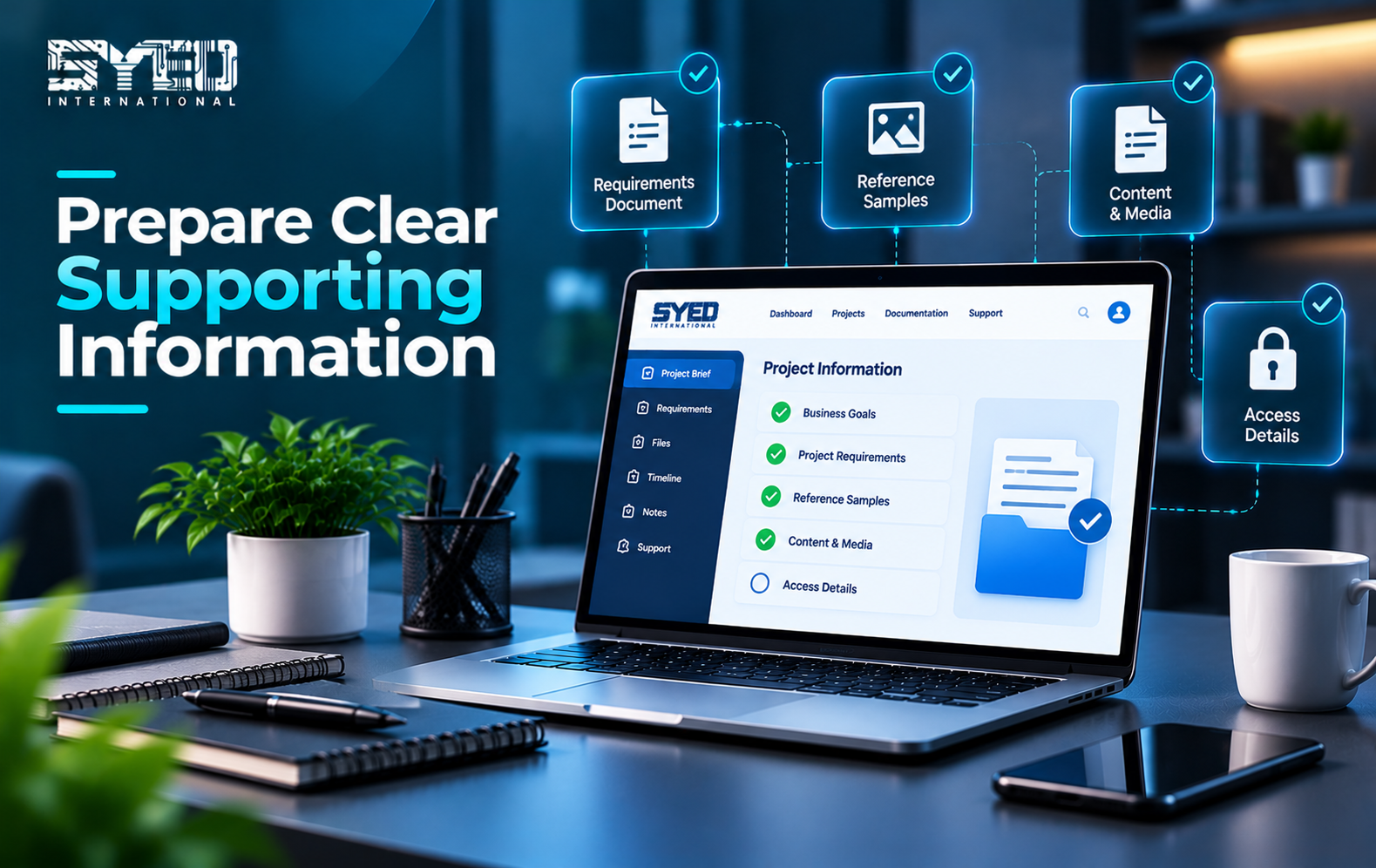
Screenshots can show visible errors, while a short recording may explain an interaction problem more effectively. Include the device and browser when the issue appears related to layout or behaviour. Remove private customer information that is unnecessary for understanding the problem.
Keep passwords and sensitive access information out of ordinary screenshots or messages. Use the provider’s agreed secure access process when access is required. The initial report usually needs enough detail to reproduce the problem, rather than unrestricted access to every business system.
| Information | Why it helps |
|---|---|
| Affected URL | Identifies the exact page or function |
| Expected result | Explains what the task should achieve |
| Actual result | Describes the failure or unexpected behaviour |
| Reproduction steps | Helps the team investigate consistently |
| Device and browser | Supports environment-specific testing |
| Time and recent changes | Provides context for reviewing relevant events |
Understand Initial Diagnosis
Website support services often begin by narrowing the problem. A failed form could involve validation, application code, email delivery or an external service. Similar symptoms can have different causes, so investigation should come before major changes.
For WordPress-specific issues, the official common errors guide provides examples of recognised problems and investigation areas. Use such documentation as a reference, not a reason to make unfamiliar changes blindly. The support team should assess the actual website and its configuration.
Set Priorities According to Business Impact
Explain how the issue affects customers or staff. A failed checkout or inaccessible customer portal may need different attention from an incorrectly aligned image. Clear impact information helps the provider understand urgency and choose an appropriate investigation sequence.
Agree how priority is assigned within the support arrangement. The first response may acknowledge the issue and request evidence rather than provide an immediate fix. Resolution can depend on the cause and other providers. Keep response expectations separate from assumptions about how quickly every problem can be solved.
Coordinate the Relevant Providers
Some issues cross the boundary between the website and its hosting or email environment. Confirm who coordinates communication when several providers are involved. Without a clear owner, the business may receive conflicting explanations while the underlying issue remains unresolved.
Maintain a record of important service contacts and account responsibilities. Your support provider should understand which systems they can access and where cooperation is needed. Review related website maintenance arrangements so routine checks and incident response support each other.
Review Fixes Before Closing the Request
A successful technical change should be followed by a check of the original task. If an enquiry form failed, submit a suitable test and verify the expected result. Confirm that the customer-facing confirmation and internal notification behave correctly where both are required.
Also review nearby functions that may have been affected. A layout correction could influence another screen size, while an integration change may affect related messages. Keep testing proportionate to the change. The goal is evidence that the reported problem is resolved without introducing an obvious new issue.
Keep a Useful Record of Repeated Issues
Record significant incidents and the actions taken to resolve them. Repeated problems may indicate a broader need for maintenance, configuration changes or development work. A clear history helps the team recognise patterns instead of investigating every recurrence as an unrelated event.
Discuss whether recurring limitations justify a larger improvement through website development services. A support fix may restore operation while leaving an older structural weakness in place. Decide on further work using the actual pattern and business impact rather than frustration alone.
Frequently Asked Questions
What do website support services help with?
They can assist with troubleshooting, corrective changes and questions about the website within an agreed scope. Common requests include broken forms, display problems and access issues. Confirm which systems the provider supports and whether hosting or third-party coordination is included.
What should I send with my first support request?
Provide the affected URL, expected result and what actually happened. Add clear reproduction steps and relevant device details. A screenshot or short recording can help when it shows the issue. Avoid sharing sensitive information that is not needed for investigation.
Should I change settings while support investigates?
Coordinate changes with the responsible team. Unrecorded adjustments can alter symptoms and make diagnosis harder. If an urgent change is necessary, explain what was changed and when. A clear change history helps everyone understand the current state of the website.
How do I know that an issue is resolved?
Repeat the original task and confirm the expected result. Check related behaviour where the fix could have an effect. Ask for a plain-language explanation of the correction and any remaining limitations. Closing the request should follow verification rather than a vague assurance alone.
Make Support Requests Specific and Actionable
Website support services are more effective when the problem, impact and expected result are clear. Useful evidence helps the provider investigate, while realistic priorities improve coordination. Keep changes documented and verify the original customer journey before considering the issue closed.
If your website needs assistance, contact Syed International with the affected page and a concise description of the problem. Include when it began and what your team has already tried. This creates a practical starting point for investigation and appropriate support.