
Website Maintenance Services: What Businesses Need
Understand maintenance responsibilities, backup arrangements, updates and reporting so your business knows how its website will receive ongoing care.
Website Maintenance Services: Keeping Your Website Manageable After Launch
A website needs attention after launch because its content, software and business requirements continue changing. Small issues can remain unnoticed until a customer struggles to browse or submit an enquiry. Website maintenance services organise the ongoing work needed to keep a site manageable and functioning properly. However, maintenance agreements differ, so the included responsibilities need careful review. Businesses in Pakistan should understand how updates, backups, monitoring and content changes fit their actual needs. This guide explains the main activities and questions to discuss with a provider. You’ll also learn how to assess reports and recovery arrangements. The goal is a clear operating routine rather than uncertainty whenever something unexpectedly changes.
Define Website Maintenance Services Clearly
Start by identifying the website’s platform and important functions. A simple company website and an active ecommerce store have different operating needs. Both require care, but the frequency and scope of checks should reflect what can change and what the business depends on.
Ask the provider to describe included tasks in practical language. Updating software, correcting content and developing new features are different activities. A clear agreement helps your team understand what happens routinely, what requires approval and what falls outside the maintenance arrangement.
Handle Software Updates With Appropriate Checks
Updates can improve functionality or address known problems, but they may also affect compatibility. Important changes deserve a review process suited to the website. Confirm how the provider assesses updates and checks the functions most important to your customers.
The approach may involve testing on a separate environment before updating the live website. For smaller changes, the process can differ. What matters is an understandable method and a recovery plan. Avoid assuming that pressing an update button completes every maintenance responsibility.
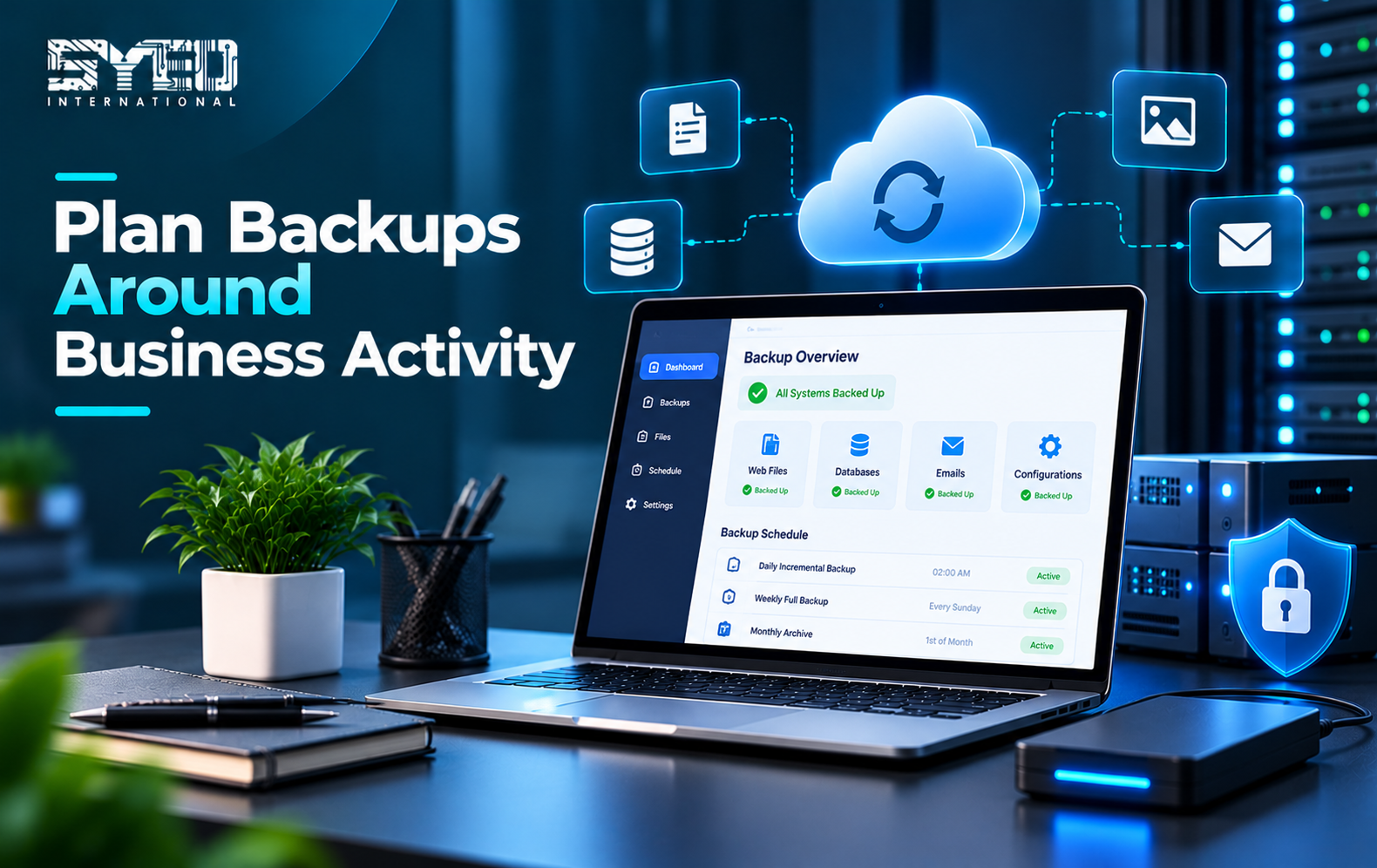
Plan Backups Around Business Activity
Backup arrangements should reflect how much information the website creates and how much loss the business can tolerate. An active store and an infrequently updated brochure site may need different schedules. Review what is backed up, where copies are stored and who can access them.
For WordPress, the official backup documentation explains that both website files and the database matter. Ask how restoration is checked, not only whether backup jobs run. A reported backup is useful only when the required information can be recovered appropriately.
| Maintenance area | Question to ask |
|---|---|
| Updates | What is reviewed and tested after changes? |
| Backups | Which files and records are included? |
| Restoration | How is recovery checked and who performs it? |
| Monitoring | Which problems trigger an alert? |
| Content | Which routine edits are included? |
| Reporting | How are completed tasks and unresolved issues recorded? |
Check Important Customer Functions
Website maintenance services should consider the actions your business relies on. A homepage may load normally while an enquiry form fails to send notifications. Regular checks should therefore include relevant customer journeys rather than focusing only on whether the website opens.
Identify the most important tasks with your provider. These might include product enquiries, account access or appointment requests. Agree how often they are reviewed and how failed checks are handled. A meaningful checklist connects maintenance activity with the website’s actual purpose.
Review Content and Broken Connections
Service information can become outdated even when the software works correctly. Staff contacts, downloadable documents and internal links need attention when the business changes. Assign someone inside the organisation to confirm accuracy because a technical provider may not know which information has changed.
External services and embedded tools also deserve review. A form, map or integration may depend on an account or setting outside the website itself. Keep a record of those dependencies and clarify who manages access, renewals and changes that affect their operation.
Understand Monitoring and Response
Monitoring can identify certain problems, but the type of monitoring matters. A check that confirms a page responds does not necessarily verify every form or customer workflow. Ask which conditions are monitored and what an alert means in practical terms.
Confirm who receives alerts and when investigation is available. A response commitment is different from a guaranteed resolution time. Some incidents depend on hosting, external providers or deeper application work. Clear expectations help your business coordinate an appropriate response when something goes wrong.
Keep Access and Responsibilities Organised
Maintenance requires suitable access to the website and related systems. Use accounts appropriate to each responsibility and review access when providers or employees change. Keep recovery arrangements under business control rather than depending entirely on one individual’s personal account.
Document important dependencies and contacts. The provider should know who can approve changes and who can answer questions about business functionality. Your team should also know how to escalate a problem. These arrangements make routine maintenance and urgent investigation easier to manage.
Ask for Useful Reporting
A maintenance report should explain completed work and issues that still need attention. It does not need to overwhelm the business with technical output. Clear notes about updates, checks, failures and recommended decisions are more useful than a generic statement that everything was maintained.
Review the proposed scope on Syed International’s website maintenance services page and discuss your website’s particular needs. Agree which information will appear in reports and who reviews it. Reporting becomes valuable when it supports decisions and accountability.
Frequently Asked Questions
What are website maintenance services?
They are ongoing activities that help keep a website updated, manageable and functioning as intended. The scope may include software updates, backups, monitoring and selected content work. Confirm the exact tasks because providers use the term for different arrangements.
Is maintenance the same as website hosting?
No. Hosting provides the environment where the website runs, while maintenance concerns ongoing care of the website and its dependencies. Some providers combine services, but that should be confirmed. Hosting alone does not automatically include every update, repair or content change.
How often should a website be backed up?
The schedule should reflect how frequently important information changes and how much potential loss the business can tolerate. Review this with the responsible provider. An active order system may require a different approach from a website that rarely receives content updates.
Does maintenance prevent every website problem?
No service can eliminate every possible failure. A good arrangement helps manage routine risks, identify issues and support recovery. Understand the scope and limitations, particularly where the website depends on hosting companies, third-party software or external integrations.
Give Ongoing Care a Clear Owner
Website maintenance services work best when the tasks and responsibilities are understandable. Match the arrangement to your website’s functions, review backup recovery and agree how issues are reported. Regular care should support business continuity rather than become an unexplained recurring activity.
When you contact Syed International, share the website platform and the tasks your customers depend on. Include any current maintenance arrangements or recurring problems. This helps establish an appropriate scope for ongoing support and technical care.